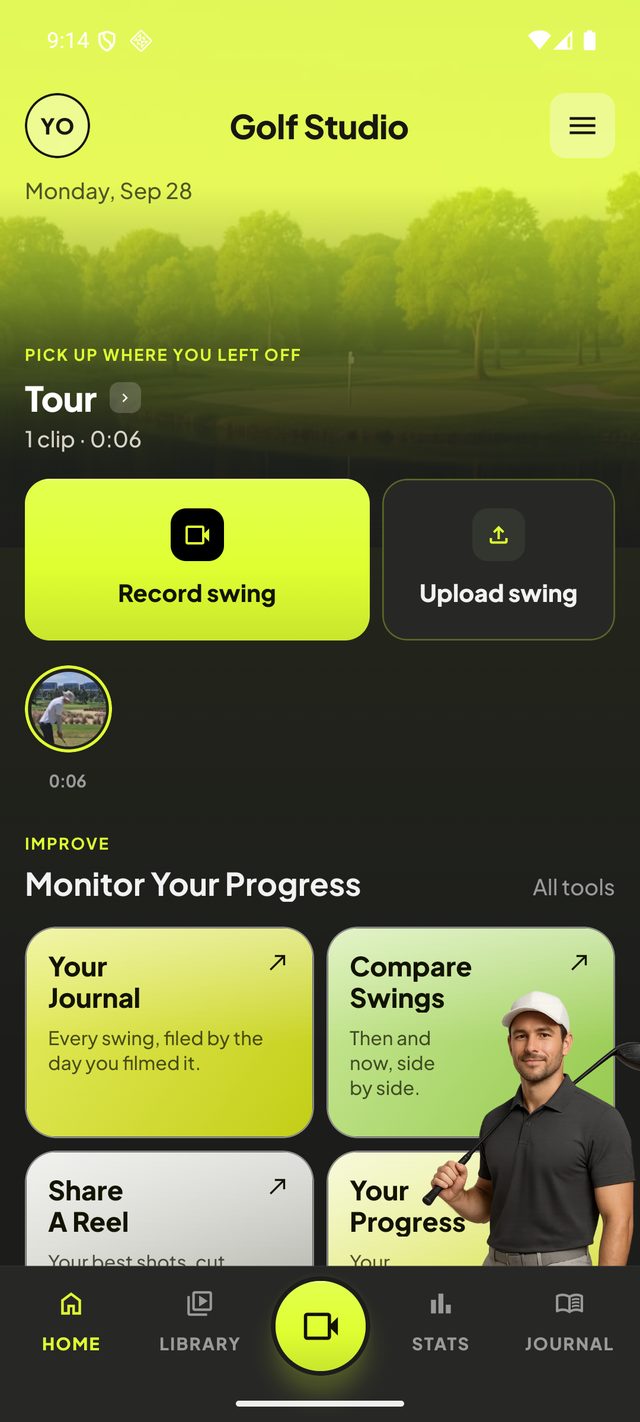
The most useful golf lesson you'll ever get might be the one you film yourself. When you film your golf swing on your phone, you see what your swing actually does, rather than what it feels like it does, and those two are rarely the same.
But a badly filmed swing tells you very little. Shoot from a slight angle and your swing plane looks wrong when it isn't. Stand too close and the club disappears off the top of the picture. Move the phone between sessions and you can't compare one week with the next.
Here's how to film your golf swing with an iPhone or any other phone, so every swing you record is worth watching.
Down the line or face on: the two golf swing camera angles
Coaches film from two places, and it's worth copying them, because every drill and every comparison you'll find assumes one or the other.
Filming your golf swing down the line
The camera stands behind you, looking towards the target. Place it on the line that runs through your hands at address and out towards the target, not on the ball-to-target line. Filmed down the line, you can see your swing plane, the path of the club and, if you leave room above you, the flight of the ball.
Filming your golf swing face on
The camera stands in front of you, square to your chest, as if it were a person watching you from across the tee. Face on shows your weight shift, your posture, the position of the ball in your stance and where your hands are at impact.
If you only film one, film down the line. It's the angle that shows most of what goes wrong, and it's the one a golf shot tracer needs, because the ball flies away from the camera.
Get the camera height right
Put the lens at about the height of your hands at address, roughly waist height. Film from eye level, looking down, and your swing looks steeper than it is. Film from the ground, looking up, and it looks flatter. A phone tripod or a clamp on your golf bag does the job; propping the phone on your bag's pocket usually leaves it too low and tilted.
Stand back far enough
You want the whole swing in the picture: the clubhead at the top of the backswing and all the way round to the finish. On most phones that means about three to four metres away, using the normal 1x lens. Don't zoom in with your fingers; digital zoom throws away detail you'll want later when you step through the swing frame by frame.
How to record your golf swing by yourself
You don't need a friend holding the phone. In fact, a friend is worse than a tripod, because a hand-held phone moves and every position becomes impossible to judge.
- Use a phone tripod, or wedge the phone against something solid, such as your bag or an alignment stick pushed into the ground.
- Start recording, then walk to the ball. Don't worry about the minute of footage before your swing; Golf Studio looks for the swing in the clip and trims to it for you.
- Mark the spot with a tee once you've found a camera position you like, so next week's clips line up with this week's.
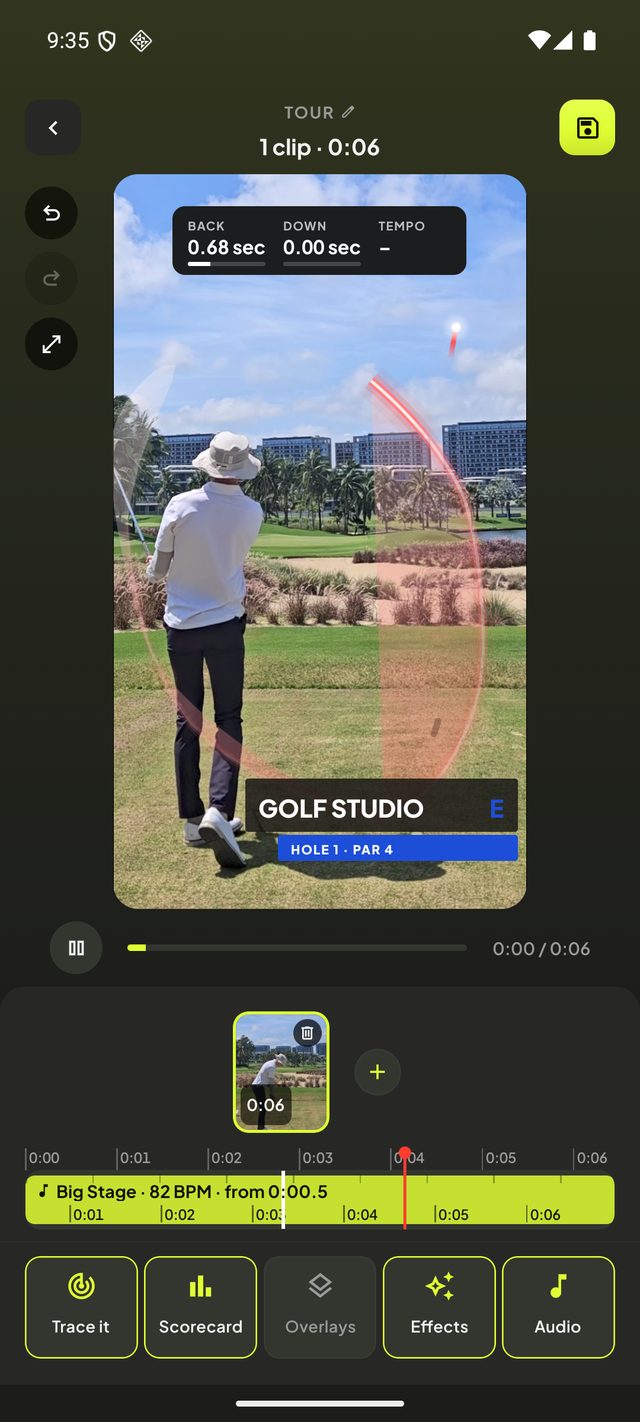
If the picture comes out a little tilted, it isn't ruined: Golf Studio's Auto Level straightens the horizon in one tap.
How many fps to record a golf swing
Most phones record at 30 or 60 frames per second (fps), and many offer slow motion at 120 or 240 fps.
- 60 fps is the best everyday choice for recording a golf swing. It's smooth enough to step through, precise enough to measure your swing tempo, the file stays a sensible size, and the sound plays at normal speed.
- 120 or 240 fps slow motion is for looking closely at one moment, such as impact or the top of the backswing, where the club is moving too fast to see at normal speed.
Recording your golf swing in slow motion on iPhone
On an iPhone, open the Camera app and swipe to Slo-mo. You can choose 120 or 240 fps in Settings, under Camera, then Record Slo-mo. Android phones have a similar slow-motion mode in their camera app, though the name and the frame rates vary by phone.
You don't have to film in slow motion to watch your swing slowly, though. Golf Studio can slow any clip down, and its Replay in slow-mo plays the swing through and then again slowed round the strike.
Mind the light
Keep the sun behind or beside the camera, not behind you. Filmed into the sun, you become a silhouette and the club vanishes against the sky. Overcast days are actually ideal: soft light, no hard shadows.
Start early, stop late
Press record before you settle over the ball, and don't stop until the ball has landed. Too short and you'll lose the start of your takeaway or the end of the flight. Since the app trims to the swing, there's no harm in filming too much.
Film the same way every time
This is the one rule that matters most. A swing on its own tells you a bit. The same swing, filmed from the same spot, a month apart, tells you whether you're improving. Golf Studio's Compare Swings puts two clips side by side, lined up on the strike so they move together, and that only works if the camera was in the same place both times.
The best way to film your golf swing: a checklist
- Down the line, on your hand line, or face on, square to your chest.
- Lens at hand height, three to four metres away, no zoom.
- A tripod or something solid, in the same spot every time.
- 60 fps, or 120 to 240 fps slow motion for close study.
- Sun behind the camera.
- Record from before address until the ball lands.
Once your swings are filmed well, every one of them becomes an entry in your golf journal, and you have a record of your game that no scorecard can give you.